Simple start
Add your shop name and first product, then prepare checkout.
Explore
Prepare the essentials first, then gradually configure design and more capabilities in your workspace.
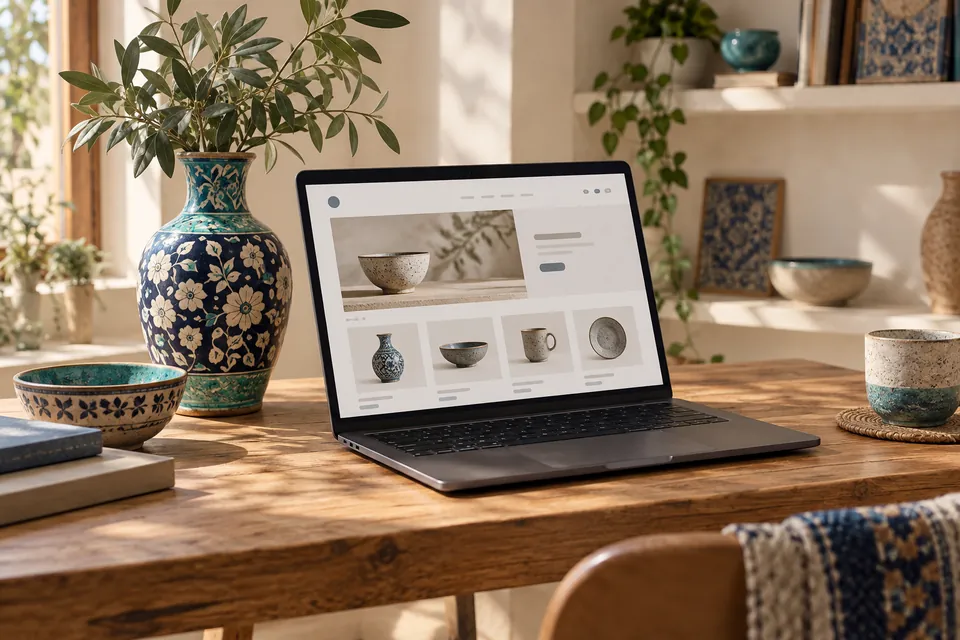
Explore examples and configure your own design.
Accurate information makes a better start.
Name and short URL
Contact and purchase terms
Price, stock and description
Clear relevant photos
Colors, logo and banners
Check desktop and mobile, product details, payment and delivery, then share your shop link.



 Your shop
No. Add products, prices and shop details through workspace forms and configure the shop designer.
Start with a demo or the guided form. After creating a draft, customize colors, layout, banners and pages in your workspace.
Products, files, courses, bookings, rentals and event tickets have their own workflows. Configure time and terms for services.
Access depends on accounts and roles. A receipt image alone does not confirm payment; sellers must check their bank.
Tickets and follow-up are available from your account. SMS, AI and gateways require valid settings and service credit.